lightbox_v2.5
サンプル使用。(IE8以下では動作しません。それ以外のブラウザはOK。IE9もOK。)
マウスONで色が変わり、クリック時、ぬめっとスムースにライトボックスが開きます。
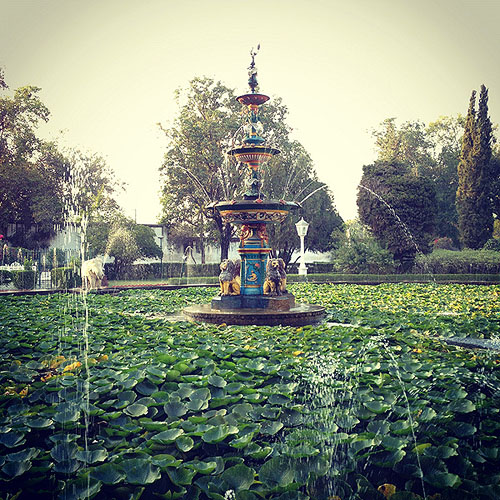


HTML5やCSS3記述は私にはまだ早いので、これはメモ程度。
3つの写真を囲う枠は画像ではなく、CSS記述によるドロップシャドウが施されています。
背景色指定にrgba(0,51,51,0.1)とあるのは透明効果の記述。
配布先のサンプル(http://lokeshdhakar.com/projects/lightbox2/)のスタイルシートには角丸にするための記述が細かくたくさんたくさん書かれています。
HTML5は記述が簡素化するっていう噂だったけど、それなりのことをするにはスタイルシートまで簡素にはいかないわけですね。
↓headに書いてあったスクリプト
<script>
jQuery(document).ready(function($) {
$('a').smoothScroll({
speed: 1000,
easing: 'easeInOutCubic'
});
$('.showOlderChanges').on('click', function(e){
$('.changelog .old').slideDown('slow');
$(this).fadeOut();
e.preventDefault();
})
});
var _gaq = _gaq || [];
_gaq.push(['_setAccount', 'UA-2196019-1']);
_gaq.push(['_trackPageview']);
(function() {
var ga = document.createElement('script'); ga.type = 'text/javascript'; ga.async = true;
ga.src = ('https:' == document.location.protocol ? 'https://ssl' : 'http://www') + '.google-analytics.com/ga.js';
var s = document.getElementsByTagName('script')[0]; s.parentNode.insertBefore(ga, s);
})();
</script>